
Everything a chess player needs
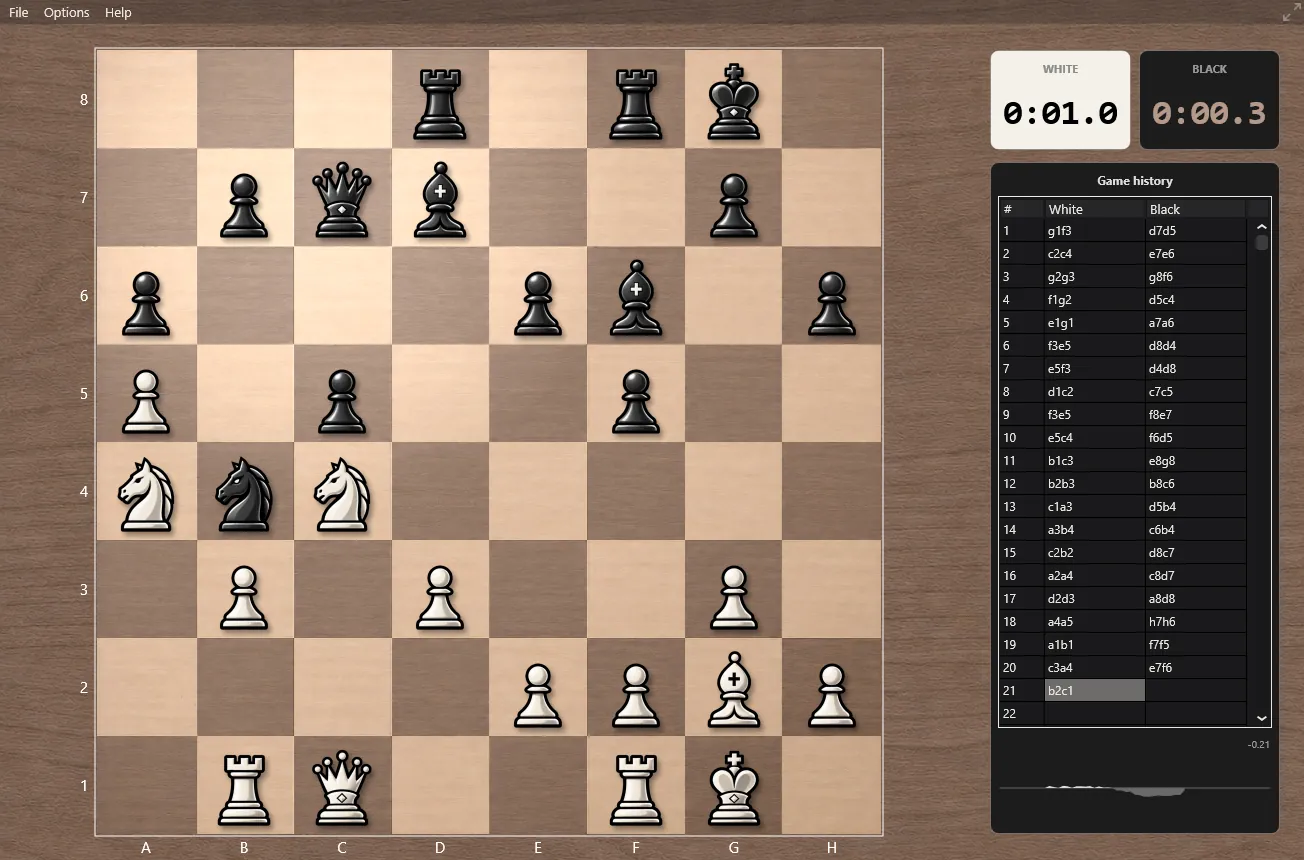
Serious chess in a quiet window: an opponent at the right level, a real clock, and the whole game in view.
Play the way you like
File › New game asks who plays White and who plays Black. Each side is either Human or Computer, so you can play the computer with either colour, play a friend at the same board, or sit back and watch the computer play itself.
Reverse board turns the board round so that Black plays from the bottom. Options › Change players opens the same choice in the middle of a game: hand your side to the computer when you are tired of a position, or take over one of its sides, without starting again.
Pieces are moved by dragging them to their square. An illegal move is refused and the piece returns to where it came from.
Eight strength settings
The same computer player is behind every level; the lower levels are deliberately held back so that a beginner can win games and a club player gets a fair fight.
| Level | What it does |
|---|---|
| 1 · Easiest to 5 · Hardest | Five fixed levels, from a gentle sparring partner that leaves chances to a serious opponent that punishes loose moves. |
| 6 · Automatic | Adapts during the game: it eases off when it is winning comfortably and plays harder when it is losing, so games stay interesting. |
| 7 · Fixed depth | Searches exactly the number of half-moves you choose, from 1 to 99. Useful for exercises and for comparing positions. |
| 8 · Maximum | The default: full strength, limited only by the clock. Over 2700 Elo in blitz on Lichess (September 2026). |
Every time control
Options › Time controls sets the clock, and the menu item always shows the one in force. The clocks beside the board count down for the side to move, and a player whose flag falls loses on time - the computer included.
| Clock | How it works |
|---|---|
| Per move | 1, 5 or 10 seconds or 1 minute a move, or any fixed time you type in. The computer uses exactly that time for each move. |
| All moves in 40 minutes | One allowance for the whole game. |
| Sudden death | A total time of your choice for the whole game. |
| Moves in time | A number of moves in a given time, then the clock is topped up again, as in classical tournaments. |
| Fischer increment | A base time plus a few seconds added after every move, the most common online format (3+2, 5+3, 15+10…). |
| Bronstein delay | A base time; each move gives back the time it took, up to the delay. |
The game history panel
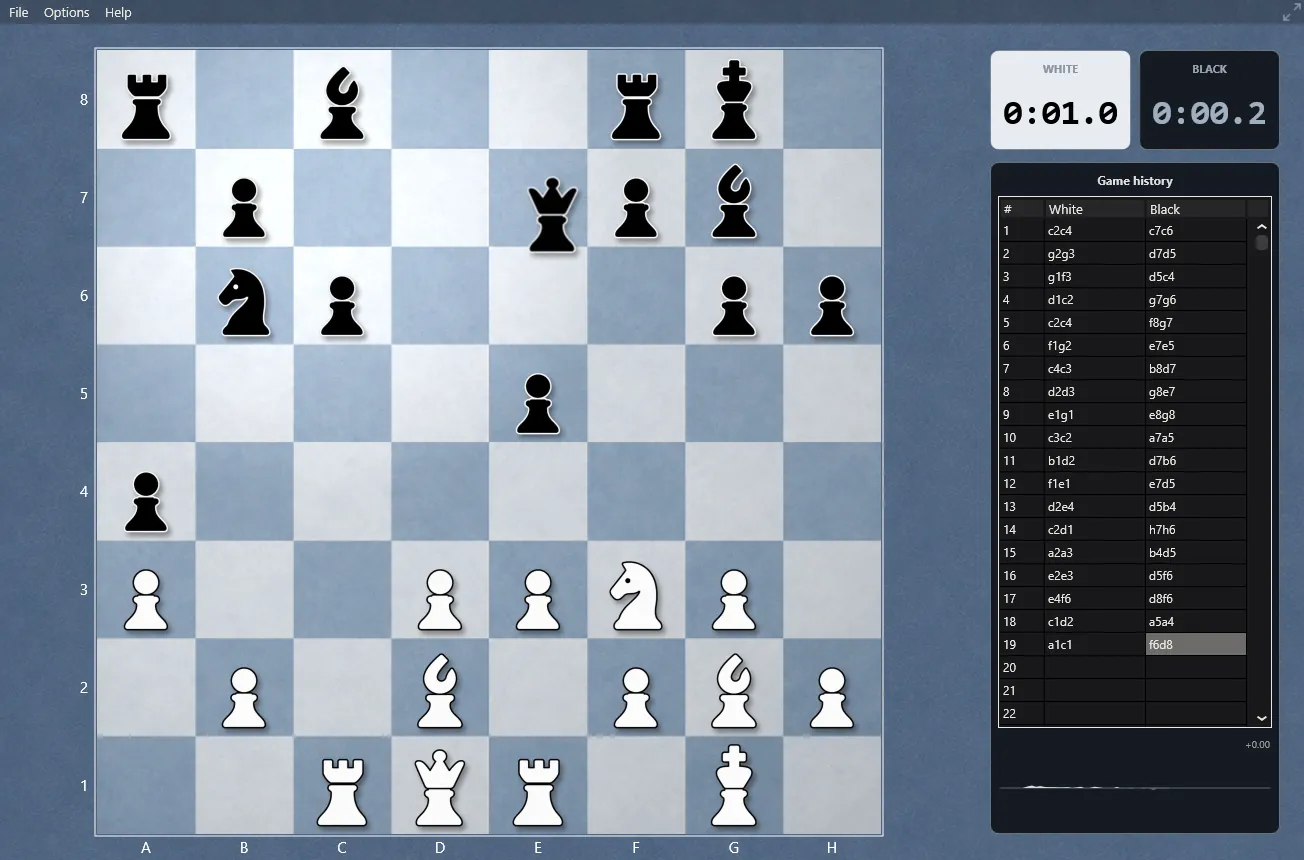
The panel beside the board follows the game as it is played:
- The move list, one row per move. A right-click saves the game as a PGN file that any chess program can open.
- The opening name while the game is still in the book, taken from the standard ECO classification.
- The evaluation in pawns: positive when White is better, negative when Black is.
- The evaluation graph, the whole game at a glance, with the pieces each side has captured drawn along its edges.
When the game is over, navigation buttons appear above the list; the arrow keys step through the game and Home and End jump to the start and the finish.
Distraction-free board
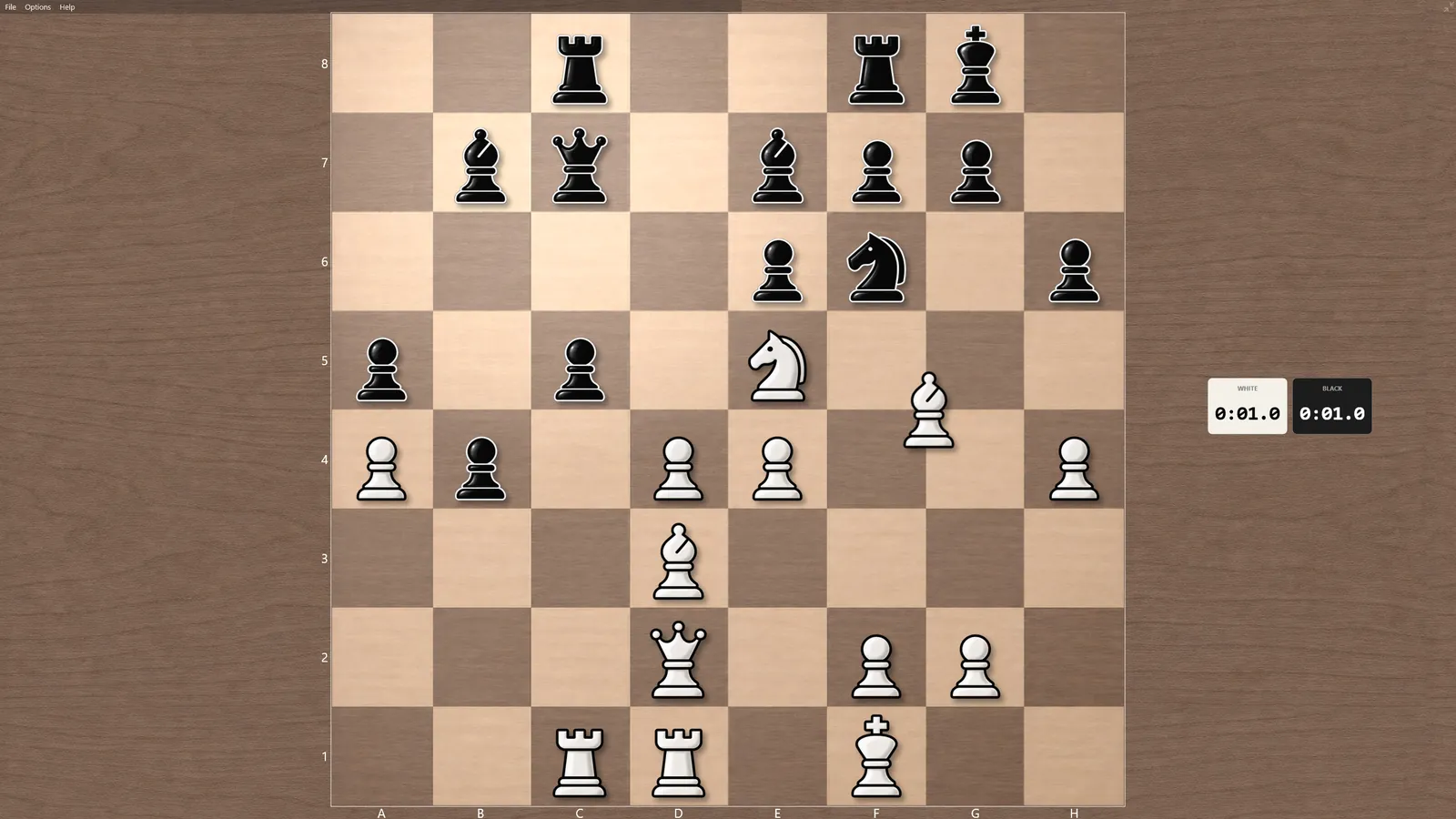
The button at the top right of the board, or F11 (Cmd+Ctrl+F on a Mac), hides the window frame, the menu bar and the move list and gives the whole screen to the board. Press it again to come back. A right-click on the board still opens the whole menu.
Keyboard shortcuts
| Key | Where | What it does |
|---|---|---|
| Esc | Main window | Stops the game in progress |
| F11 (Mac: Cmd+Ctrl+F) | Main window | Distraction-free board on and off |
| ← → ↑ ↓ | After a game, review | One move back or forward |
| Home / End | After a game | First or last position |
| F | Review | Flips the board |
| Ctrl+V | Analysis board | Opens a copied FEN or PGN |
| Right-click | Board / move list | The whole menu / save the game as PGN |
For engine enthusiasts: matches with CuteChess
File › Play engine match with CuteChess CLI… plays The Baronet against another UCI or CECP engine, such as Stockfish, right on the board, with the clocks running. It needs cutechess-cli, the free command-line tournament manager, and the opponent's executable; both are asked for the first time and remembered. Options › Ponder in CuteChess matches lets both engines think on the opponent's time.
Get The Baronet
Free, no registration. Download, unzip and play your first game in under a minute.
The Baronet Mark IV - 0.300 · Windows 10/11, 64-bit · macOS 11+, Apple Silicon & Intel · Updated September 2026