Boards and piece sets
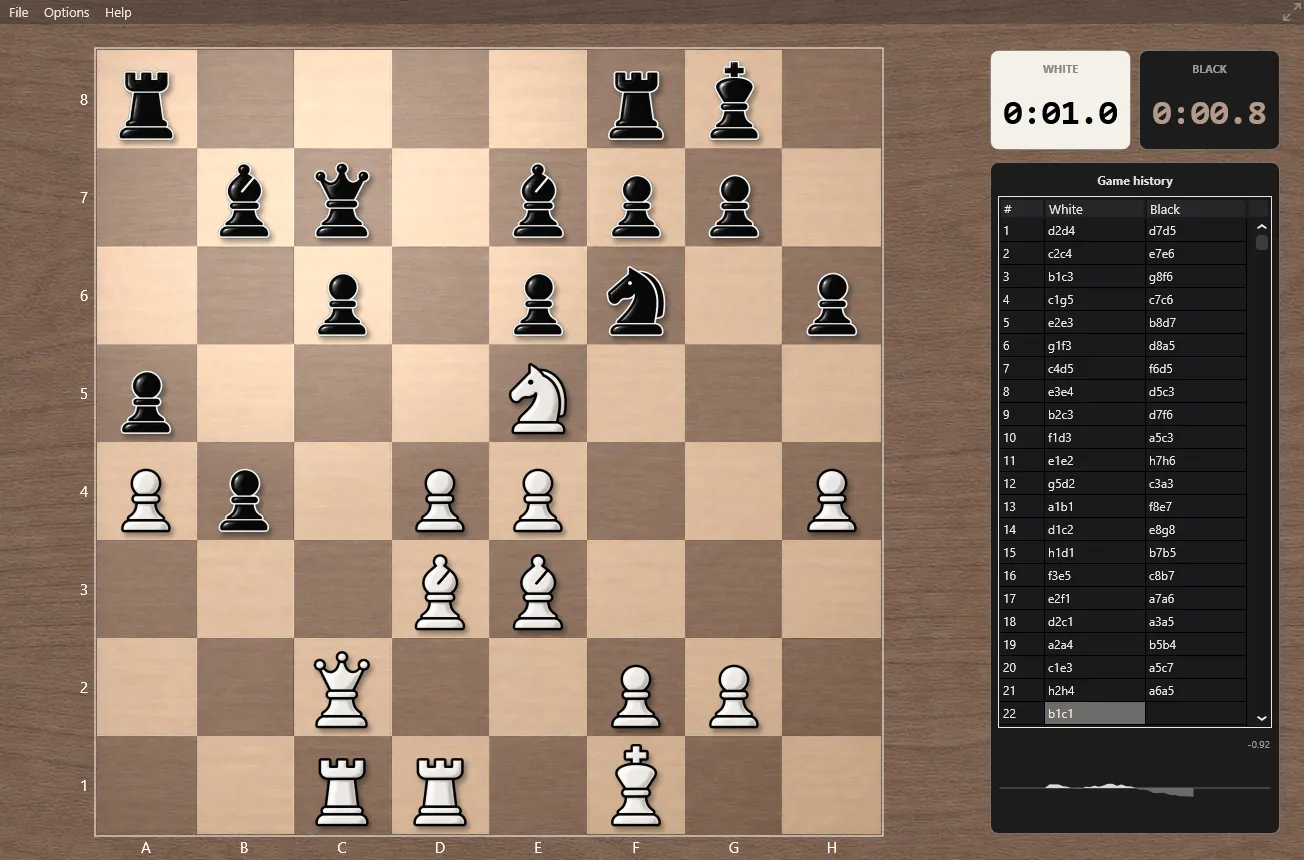
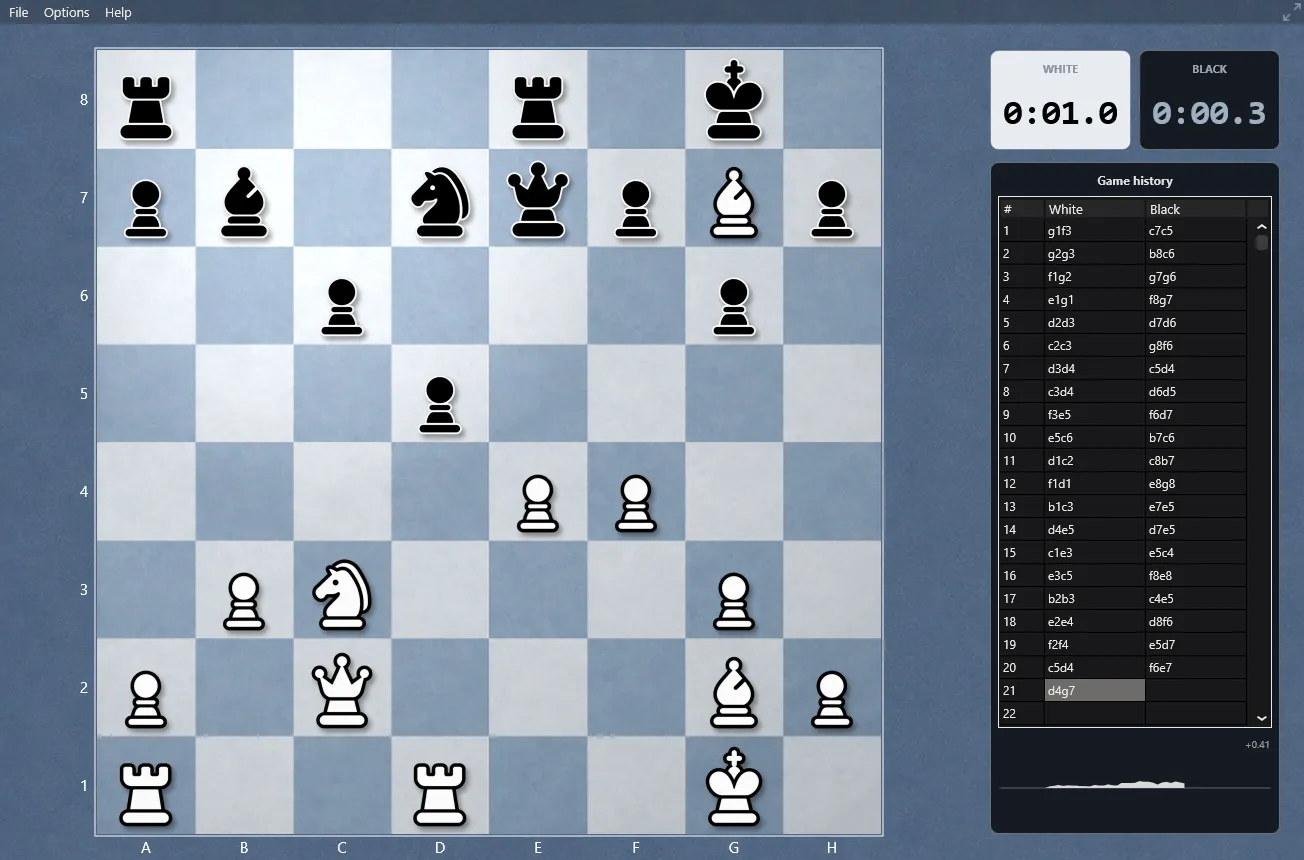
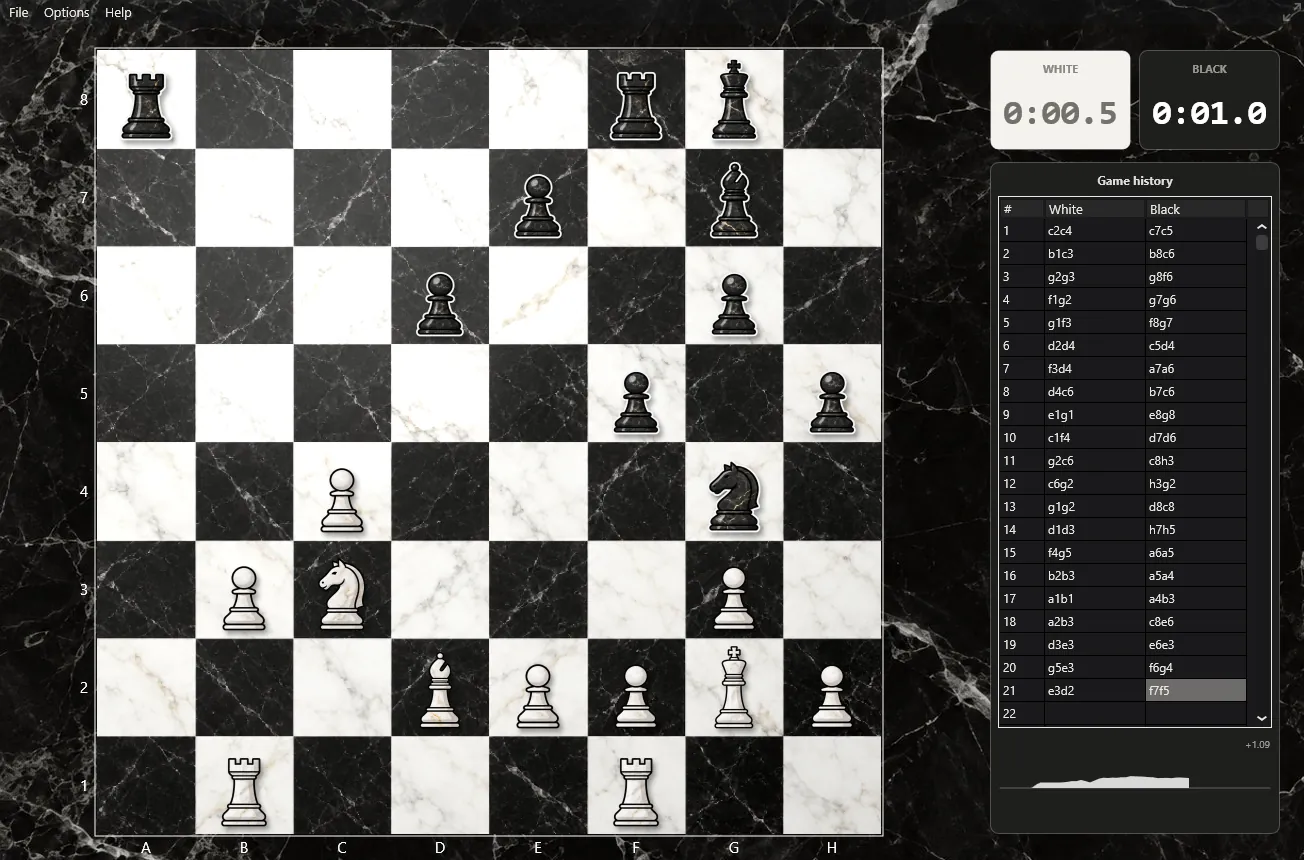
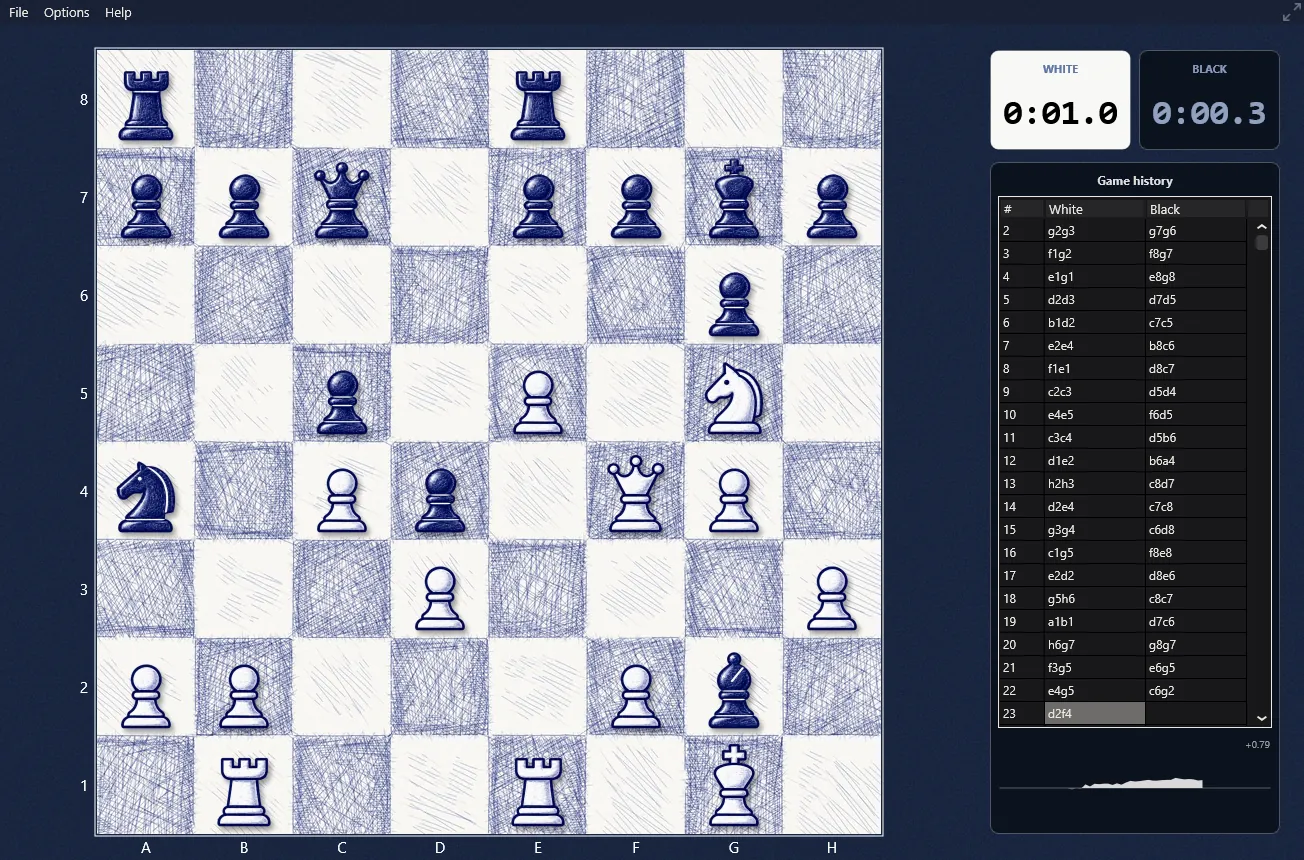
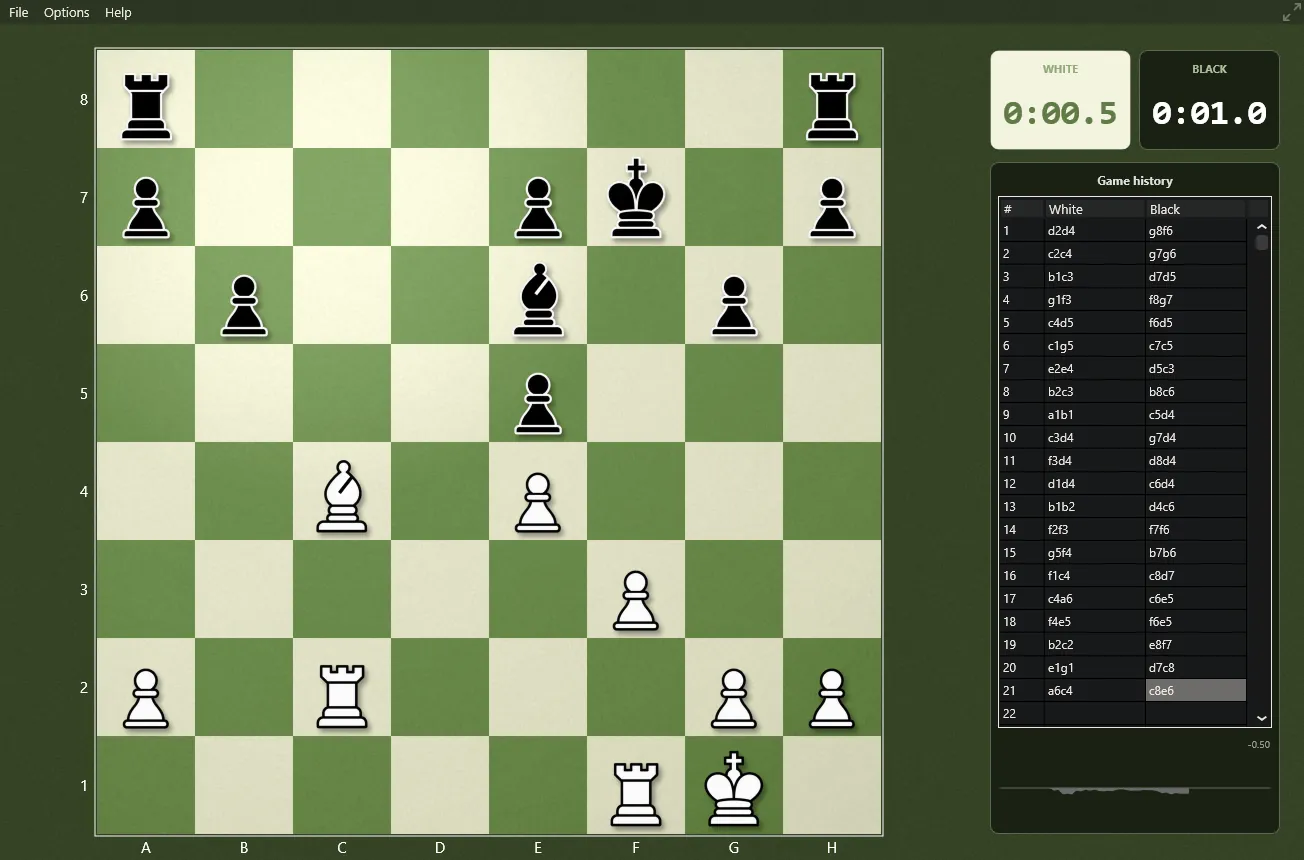
Five board styles, eight piece sets and any colours you like. Every image on this page is a screenshot of the program.
The boards
Each board comes with its own surround, so the whole window matches: grained wood around the wooden board, deep navy around the blue one, veined stone around the marble. Choose one in Options › Board; your choice is remembered, as is the size and position of the window.
Custom colours
Options › Board › Custom colours… opens a small editor with a live miniature of the board. Pick the light and dark squares yourself, or press Surprise me for a harmony chosen from a colour wheel - complementary, analogous or monochrome pairs that stay readable. The last colour pairs you used are kept in a history, so a favourite is always one click away. The surround is drawn from your dark squares, darkened and grained to match.
Eight piece sets
The pieces were drawn for The Baronet. Some are traditional Staunton shapes, others are meant for small screens or for young players who are still learning which piece is which. Choose them in Options › Pieces.
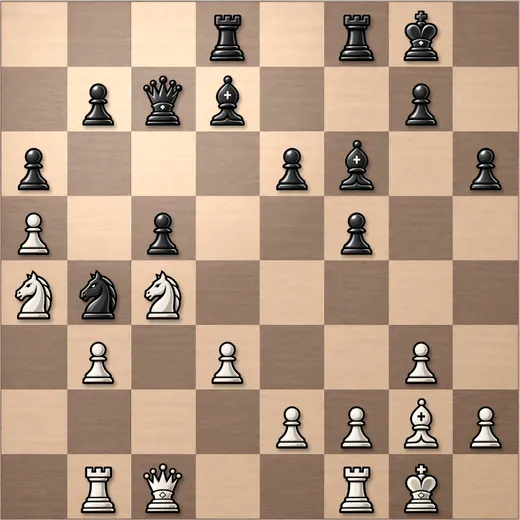
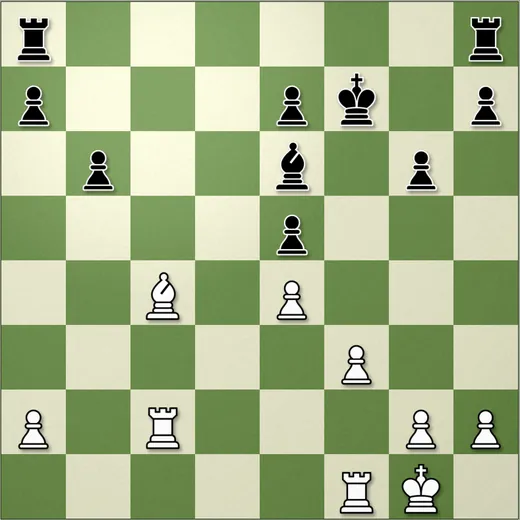
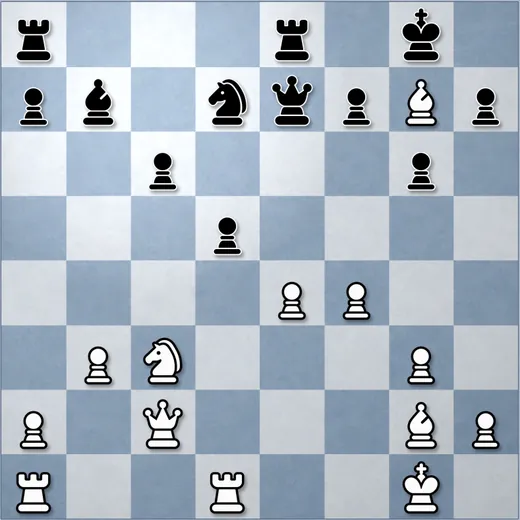
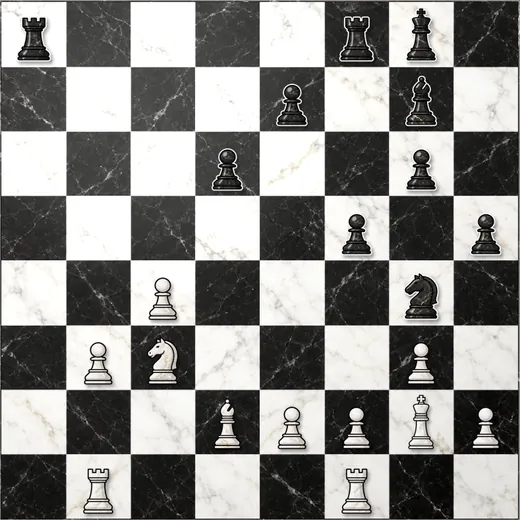
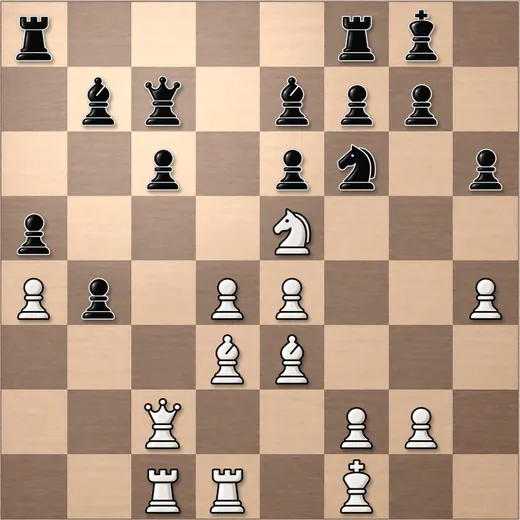
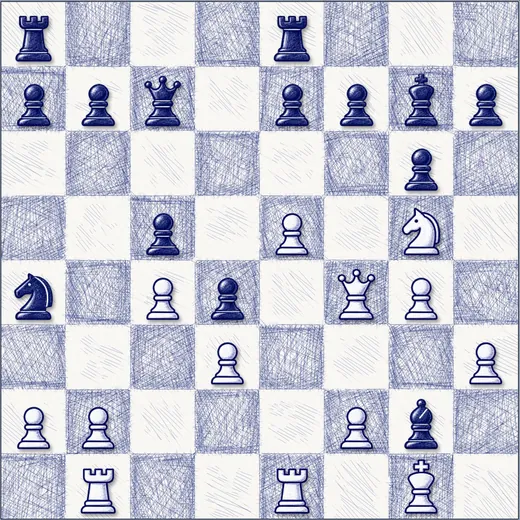
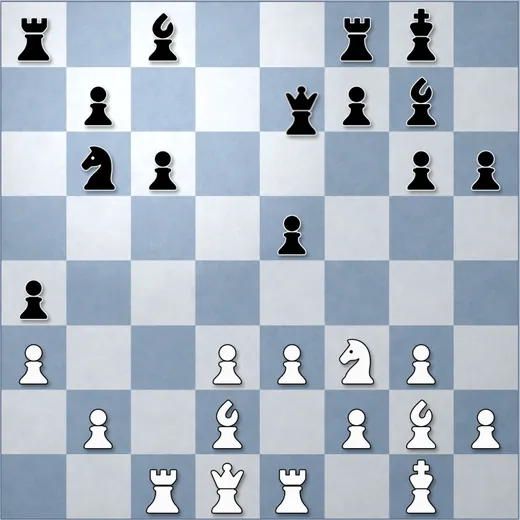
The eighth set, Bold, completes the list in Options › Pieces.
Made to be looked at for hours
A chess board is something you stare at for a long time, so small details matter. The pieces are rendered at the exact pixel size of the board on your screen, including Retina and high-DPI displays, instead of being stretched from a small image. Moves are animated smoothly, and the coordinates sit outside the squares where they never hide a piece.
The same boards and piece sets will be in the phone version, where the board is also the first thing you see.
Get The Baronet
Free, no registration. Download, unzip and play your first game in under a minute.
The Baronet Mark IV - 0.300 · Windows 10/11, 64-bit · macOS 11+, Apple Silicon & Intel · Updated September 2026